
Describe the plan
Start with normal language.
“Weekend trip with friends,” “family week,” or “wedding vendor page” is enough to begin.Shared pages for real life
TogetherPage helps families, friends, roommates, event groups, and small teams keep practical details in one private or shared page.
Start private. Invite people when the page is ready.
Problem
The link is in one chat. The checklist is in someone else’s notes. The budget is in a spreadsheet. The address is buried under yesterday’s messages.
The flow
TogetherPage is easiest to understand as a simple path: say what is happening, review the suggested shape, add real details, then share only what others need.
Start with normal language.
“Weekend trip with friends,” “family week,” or “wedding vendor page” is enough to begin.TogetherPage proposes a useful page shape.
You can keep the blocks that fit and remove the ones that do not.Fill the page with the things people ask for.
Links, places, costs, documents, reminders, weather, guests, or tasks live together.Invite people when the page is ready.
Keep it private, share the whole page, or share a narrower part and revoke access later.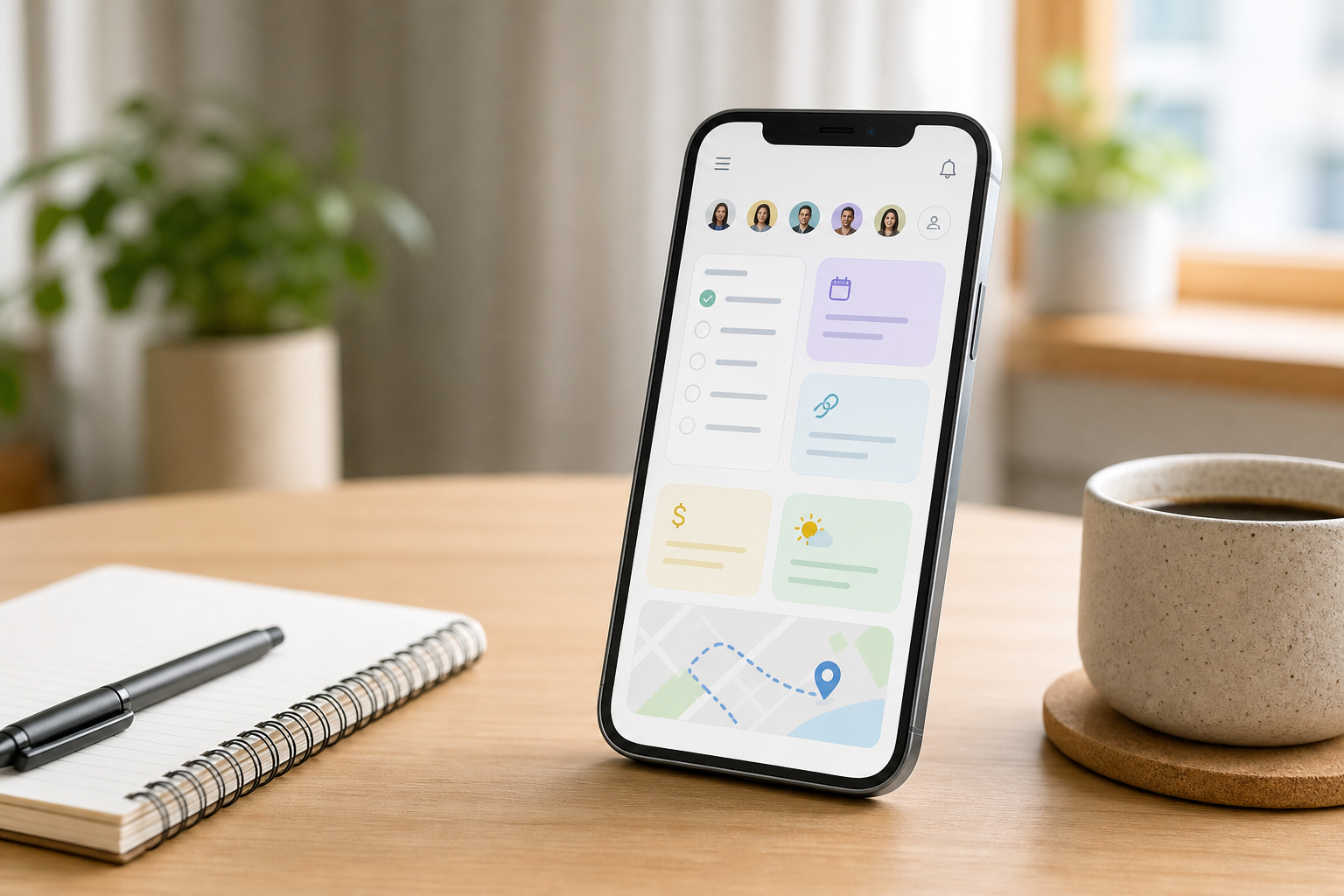
The page is designed for quick answers: what is next, who is involved, where the link is, and what still needs attention.

Use TogetherPage before the trip, during the event, or whenever a small group needs one practical home base.
Sample page
Here is how a weekend trip page can feel once it has useful content, not just empty cards.


How it works
Tell TogetherPage what you are planning: a family week, a trip with friends, a wedding weekend, a shared apartment, or a small project.
TogetherPage can draft a page with useful blocks. You review the draft before anything is saved.
Keep the page private, invite the group, or share only the part someone needs.
Use cases
Keep school links, reminders, tasks, documents, and people in one place the household can check from a phone.
Collect places, weather, navigation, shared costs, documents, and a countdown so the plan does not live only in the group chat.
Track guests, vendors, seating, budgets, navigation, and checklists without turning a personal event into a heavy work system.
Make household links, recurring tasks, expenses, and responsibilities easier to find and update.
Give a lightweight group one shared source for people, tasks, links, documents, and reminders.
Blocks
Build a page from practical blocks instead of forcing every plan into the same format.
Features
Use a few blocks for a simple page or combine more when the plan has moving parts.
Describe the page you need and TogetherPage can suggest a practical structure. You review the draft before saving.
Start with a private page. Invite people later, share only what is needed, and revoke access when plans change.
TogetherPage supports English, Hebrew, Arabic, Ukrainian, Russian, and Polish, with right-to-left layout support for Hebrew and Arabic.
TogetherPage is built for the phone in your hand and still feels calm on larger screens.
Use the page in the mode that fits your setting without changing how it works.
Sharing
A page can start as your own working space. When it is ready, invite the right people or share a narrower view.
Languages
TogetherPage supports English, Hebrew, Arabic, Ukrainian, Russian, and Polish. Hebrew and Arabic include right-to-left layout support.
FAQ
No. TogetherPage is lighter than a project management suite. It is for practical shared details: plans, links, people, tasks, reminders, expenses, places, and documents.
Chat is useful for conversation. It is harder when you need to find the latest link, address, checklist, cost, or document.
Yes. You can start with a private page and invite others when you are ready.
No. AI can draft a page suggestion, but you review it before saving.
Create a private page, add the details that matter, and share it when the page is ready.